Tutorials / Getting Started
Registering Your Account
Create your Nexus account with Roblox in a few small, safe steps.
1. Follow these steps
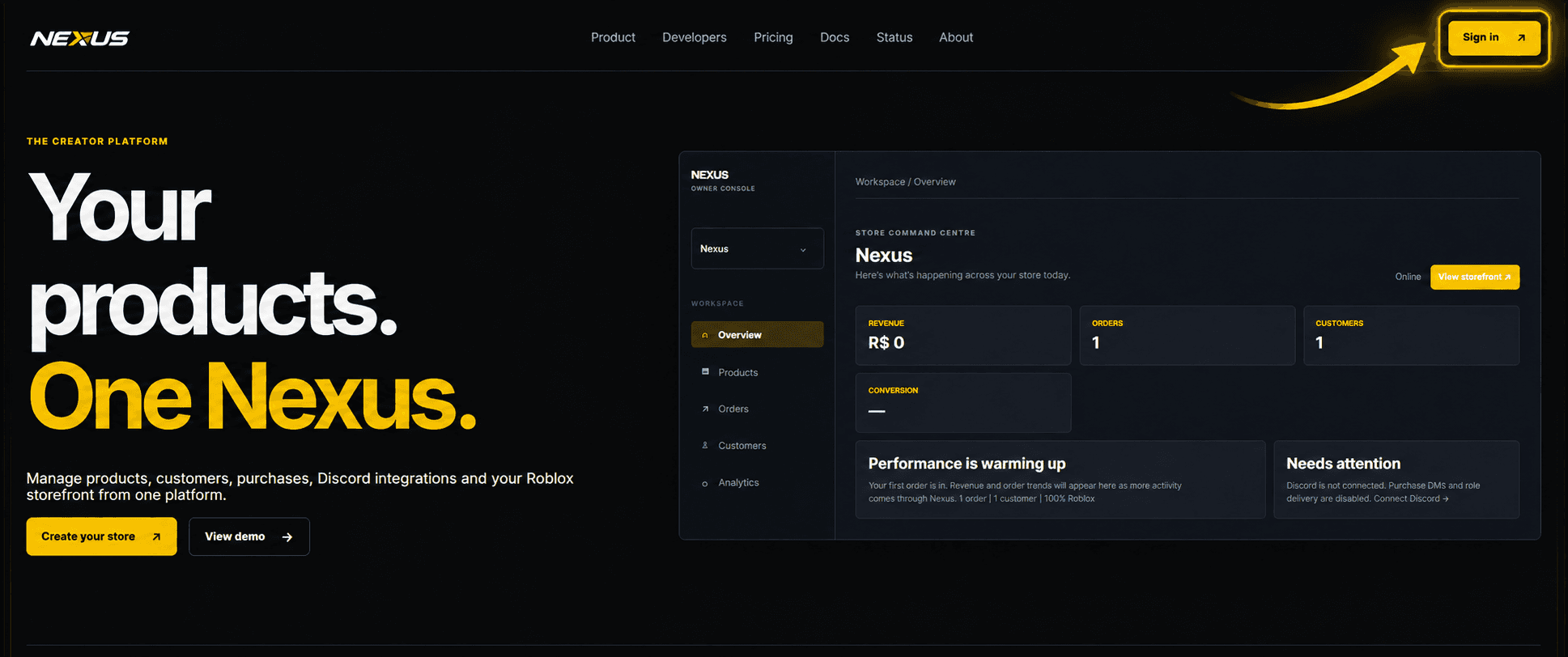
- Navigate to the sign in page.The Sign in button is in the navigation bar at the top of every page.
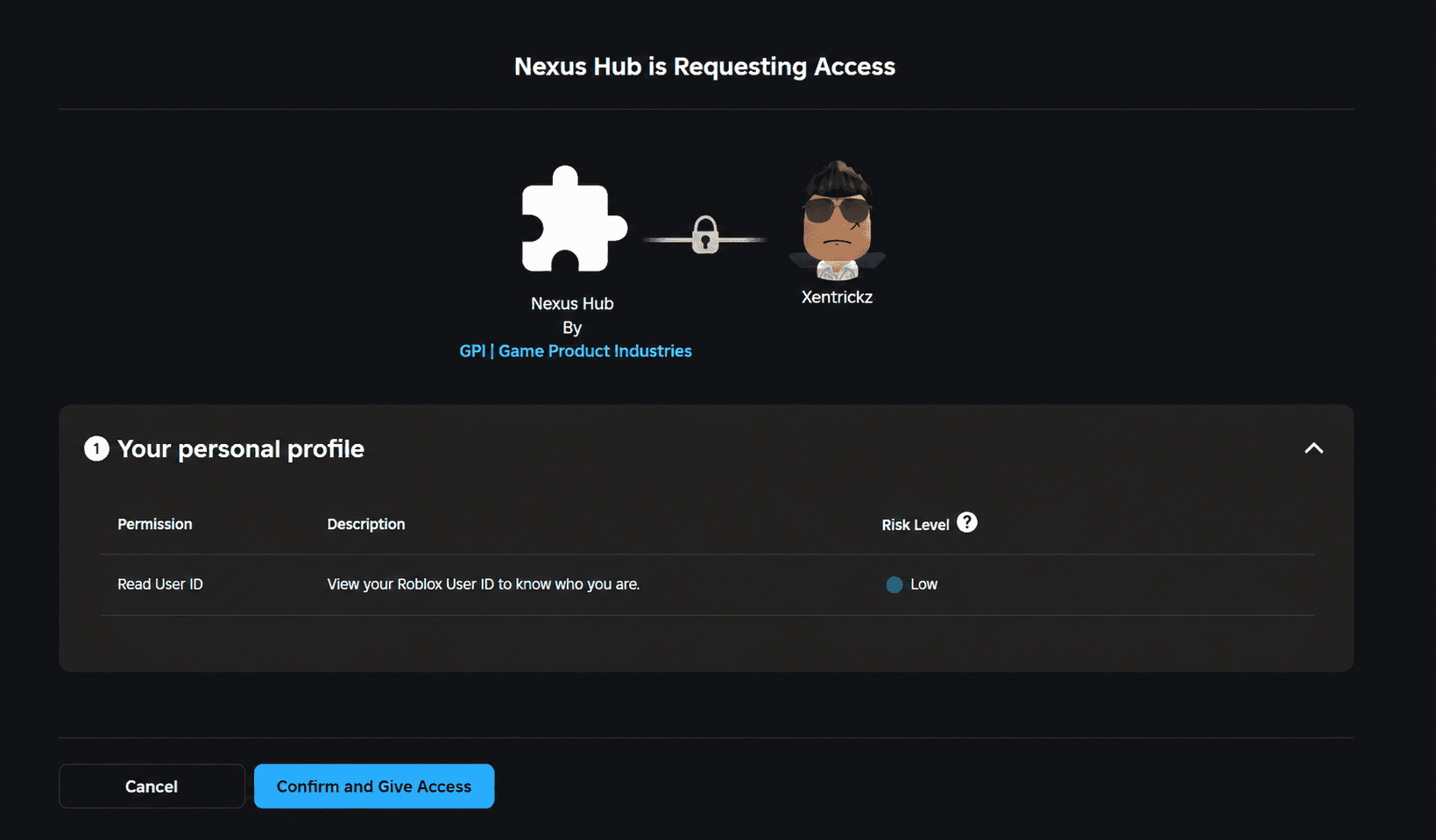
- Authorise Your Roblox Account.Click Continue with Roblox, then approve the request for the Roblox account you want to use with Nexus.
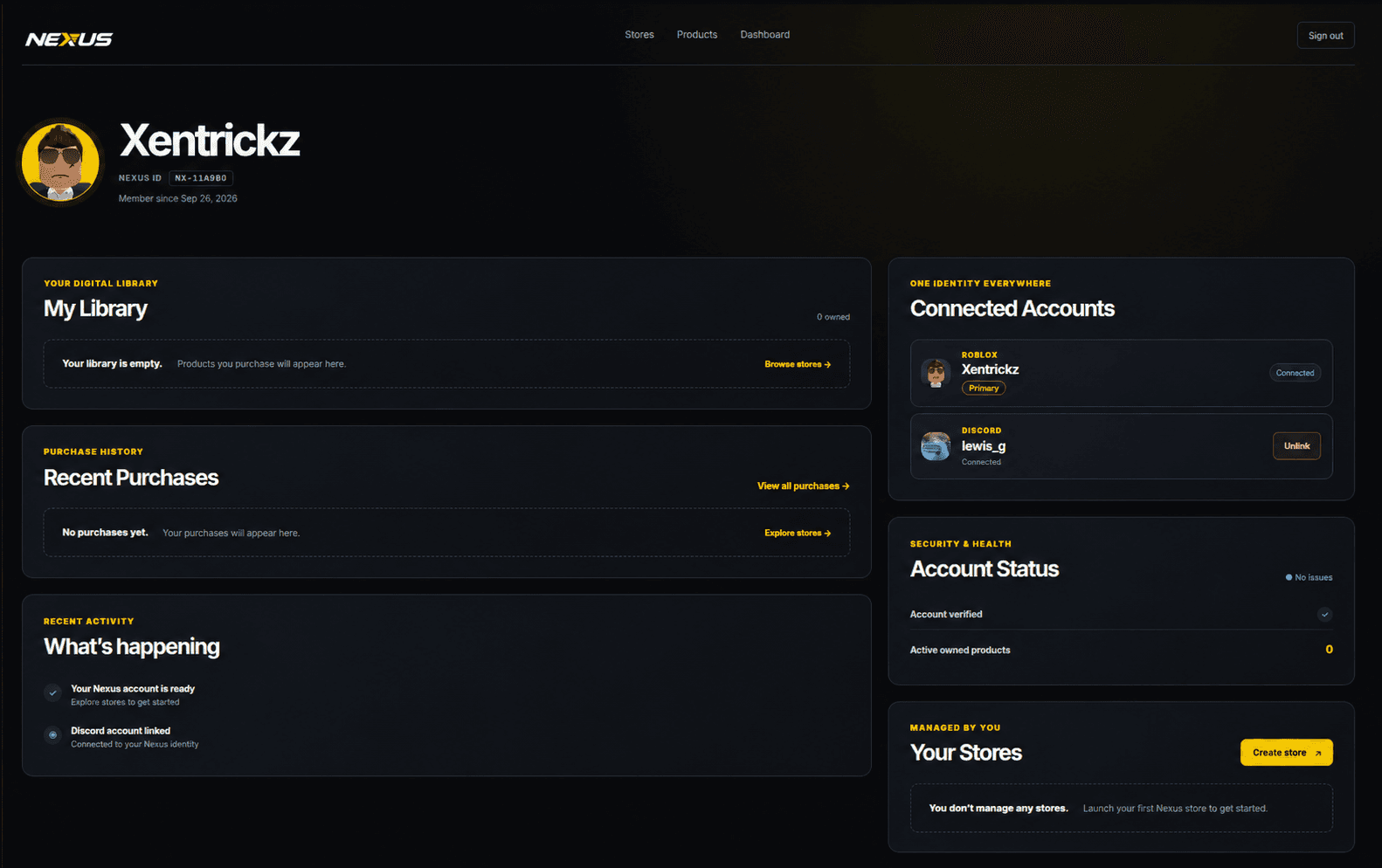
- Return to Nexus.After authorisation, Nexus creates your account from your verified Roblox identity and shows your account page.
2. Connect Your Discord Account
After Roblox sign-in, connect the Discord account you use in your community so Nexus can recognise your staff and customers.
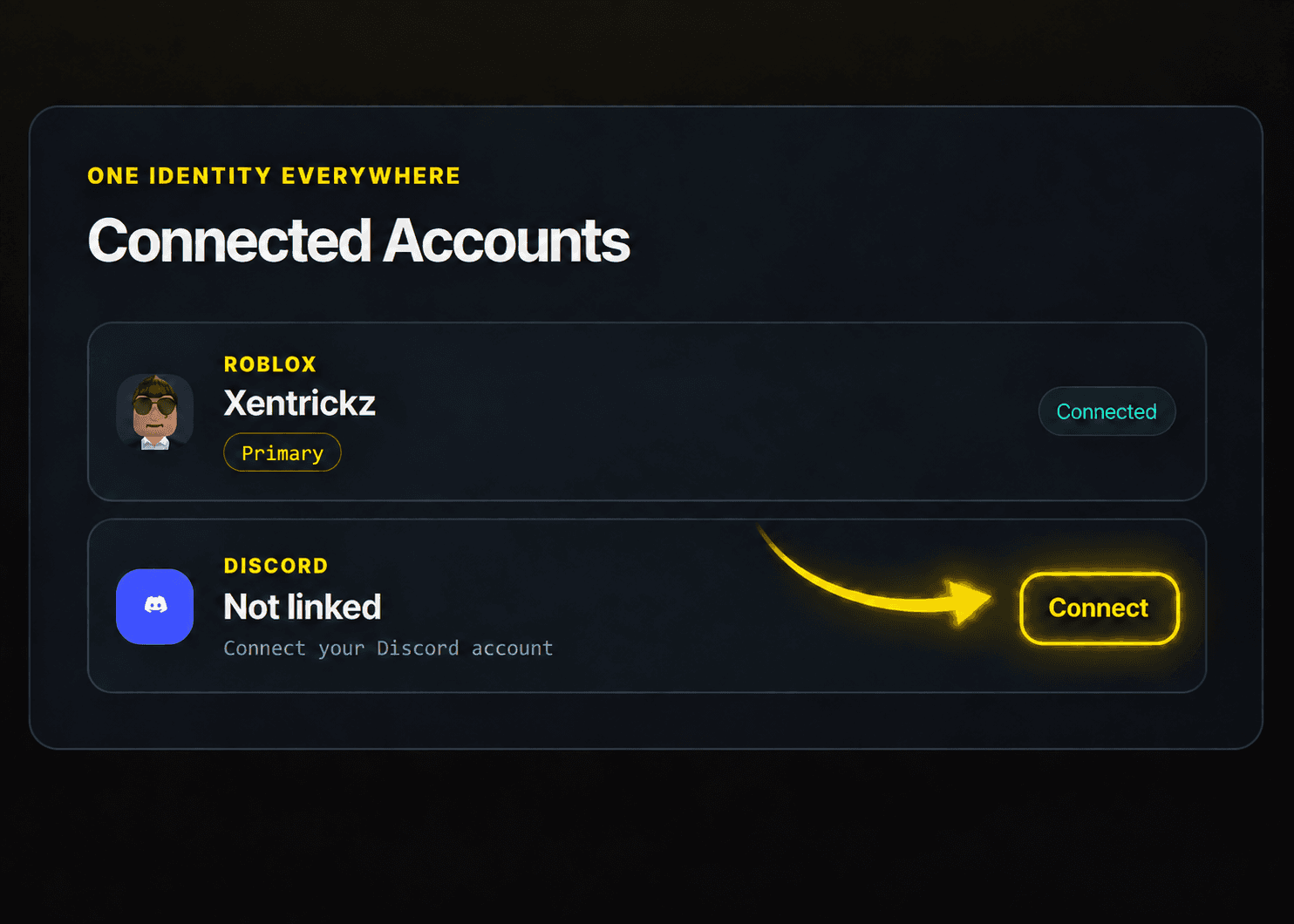
- Open Connected Accounts.Open Account or Manage account in the Nexus navigation, then find the Connected Accounts panel.
- Connect and approve Discord.Click Connect Discord, choose the Discord account you use in your community, and approve the request.